BINGO 6.6a - December 2014
This page describes BINGO as it existed at the stated release date. For current behavior and requirements, use the current Manual, Reference, and Guides.
Bingo Tools
Default and exit buttons have been removed from the graphical user interfaces (GUI) for some tools. The functions are now for all tools available in the menu. In addition some minor enhancements have been made.
Graphics programs
All six graphics programs have been revised.
In all of them the outer graphics frame and all edge annotations are protected against overpainting by the graphics – as well in zoomed images.
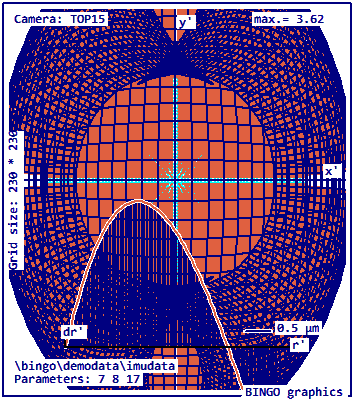
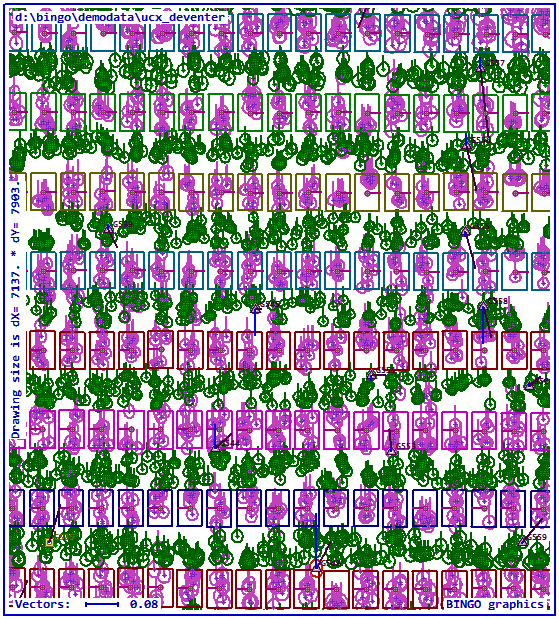
Instead of BMP files all graphics programs can now copy the graphics content to a GIF file (Graphics Interchange Format) or a PNG file (Portable Network Graphics).
The GIF files have the smallest size where the PNG files have the best colors.
Selection of the file type has to be done from a window which can be started from the "GIF File" button. In Program 3dView this button is located on property page "More". Above this button a text for the graphics file can be changed or typed.
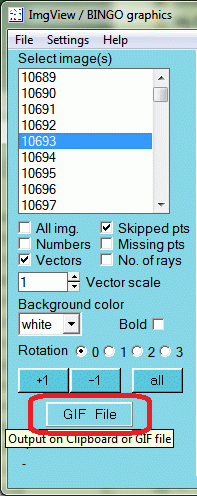
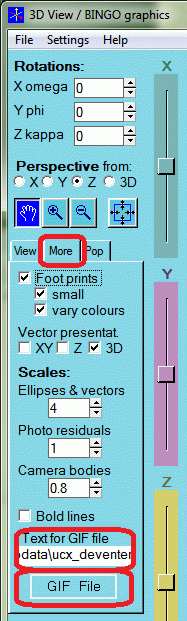
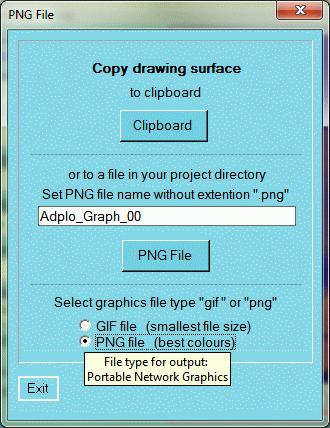
The selected file type will be saved for every program separately. After type selection graphics files can be created using "Ctrl+s" in the graphics window. With "Ctrl+c" the graphics content can be copied to the Windows clipboard. File names are by default ending with two digits. They will be increased automatically to protect graphics files from overwriting.
Blue or white background colors are now available for all graphics programs. For 3dView the background color has to be selected in the file selection window, because it cannot be changed easily after creation of the graphics.
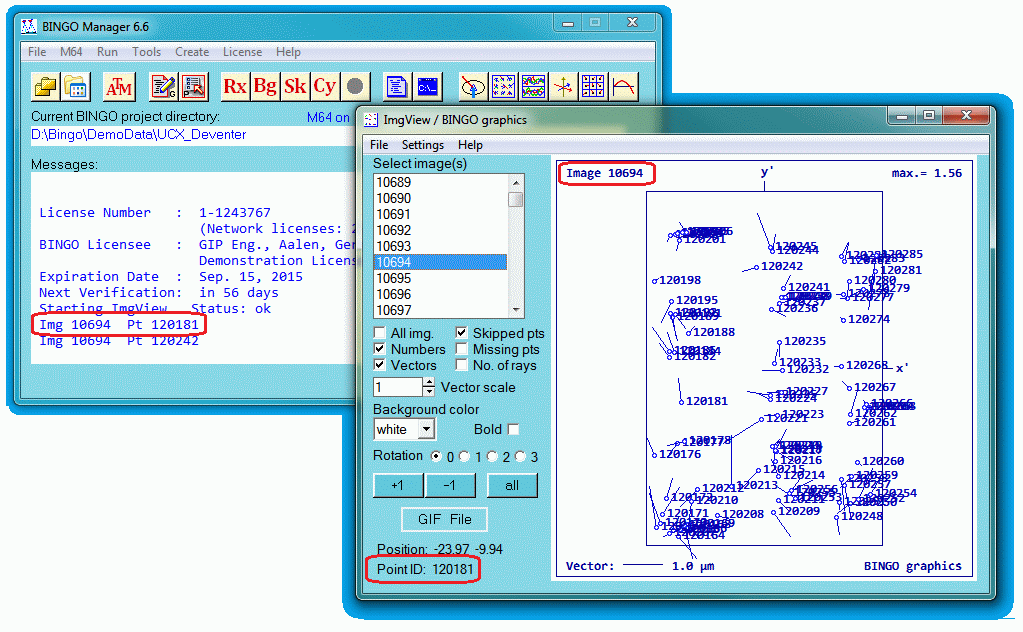
Moving the mouse in the programs Replo, ImgView, GpsView or 3dView across the graphics, point and image numbers etc. will be popped up or displayed on the GUI. On mouse right-click the numbers will be copied to the Bingo manager´s message window.
If a pipe named "picked points" is open before the graphic program starts, the numbers will be copied to the pipe instead. For testing purposes in \Bingo\bin\ is a program named "ReadPipe_picked_points.exe". Only one graphics task can be connected to the pipe in the test program. Additional tasks cannot be opened.
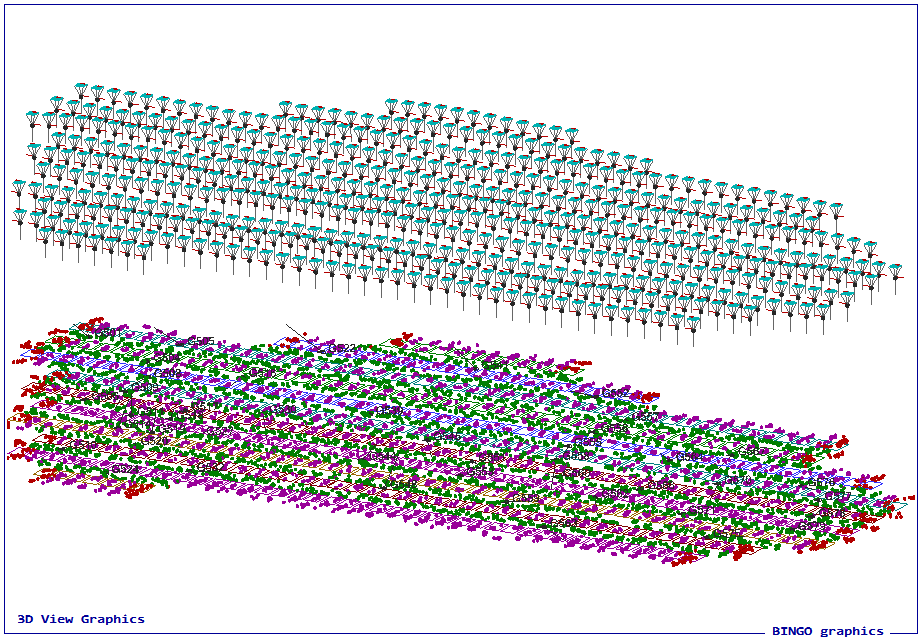
In program 3dView the graphics frame is not available in the screen graphics. In the graphics file 8 pixels along the edges are covered by the frame and overlay the graphics content – if any.
GPSview
Zoom and pan in program GpsView are now working well.