BINGO 6.4 - September 2012
This page describes BINGO as it existed at the stated release date. For current behavior and requirements, use the current Manual, Reference, and Guides.
Small enhancements have been made to nearly all programs. The manuals are up to date.
BINGO
BINGO supports now as well the UltraCam Eagle camera with ST=UCE
There are two new keywords for the ADPA statement:
SET=1 or SET=2 to support pre-defined sets of additional parameters for the UltraCam cameras and for the DMC camera,
LOCK to suppress automatic elimination of redundant additional parameters.
BingoM64
Several tests have been made with the 64-bit version of BINGO. The performance is impressive (See below).
| BINGO 32-bit version | BingoM64 64-bit version | |
|---|---|---|
| Number of photos | 14.900 | 14.900 |
| Number of points | 595.500 | 595.500 |
| Total unknowns | 1.876.000 | 1.876.000 |
| Total processing time | ||
| with three iterations | 6 h 08 min | 1 h 51 min |
| Required disk space for matrices | 35,9 GB | 14,7 GB |
For another block with 15.038 images and 204.136 points with two flying heights and very high overlap the 32-bit version was running three and a half days – the 64-bit version only 5 hours 40 minutes.
In the next revision BingoM64 will hold all matrices in memory and use all available cores. This will again reduce computation time considerably. For big blocks we are expecting a factor of four to six – depending on the block and the number of cores in the processor.
GeoinEdi
The Geoin editor supports now as well the UltraCam Eagle camera.
RELAX
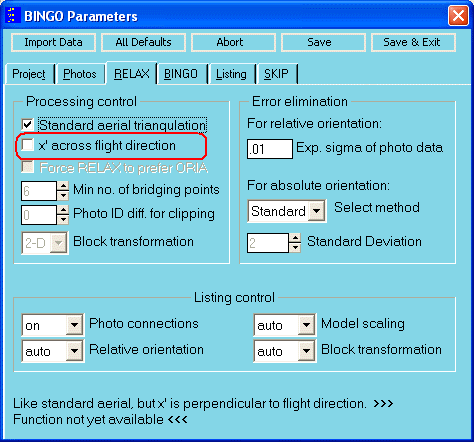
RELAX supports now as well flights as standard aerial, if the x’ axis is perpendicular to flight direction.
Graphics programs
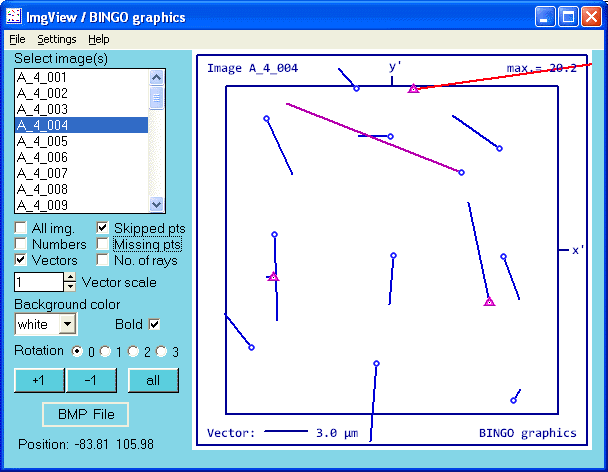
The graphics tools REPLO, ImgView, IMPLO and ADPLO have now several common properties:
Each program opens at first a window to select files. In the menu file parameters and the drawing parameters can be selected independently.
The "Draw" button opens the graphics window and closes the first window.
The menu in the graphics window allows to go back to "File Selection"
If a particular size of the drawing is requested, select "Settings / Set Drawing Size" from the menu and set the preferred value.
The button "BMP File" opens a window to copy the drawing surface to the Clipboard or to a BMP File. "Ctrl-C" or "Ctrl-S" can be used directly from the graphics window instead. If the default naming convention for the files is used, the last two digits will be increased automatically, if the named file already exists. This functionality allows creating several files in fast sequence.
The background color for the drawing surface can be selected white or blue.
Lines and symbols can be presented normal or bold.
An additional graphics window can be only created from the BINGO Manager.
For more details see the related help files and below.
BgoPara, the BINGO parameter window
There is a new check-box to enter the information, that x is not in flight but perpendicular to it. This is only available for standard aerial flights.
ImgClean
A new tool is under development to clean the photo measurement file from skipped lines and unused point and photo data. It is already now included in the BINGO Manager in the menu under Tools / Auxiliary, but not yet working.
WAPLO
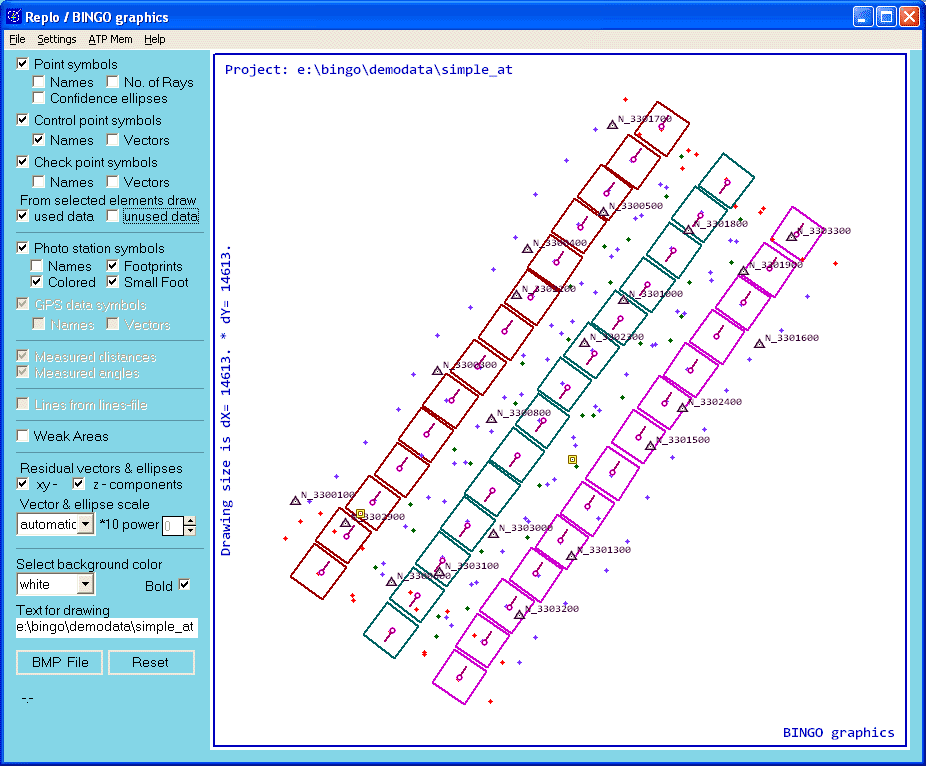
This graphical program for weak area presentation is now integrated in REPLO.
REPLO
This program is completely new written from scratch. Use the mouse wheel to zoom and the left button down to pan. For more details please refer to the help file.
ImgView

IMPLO
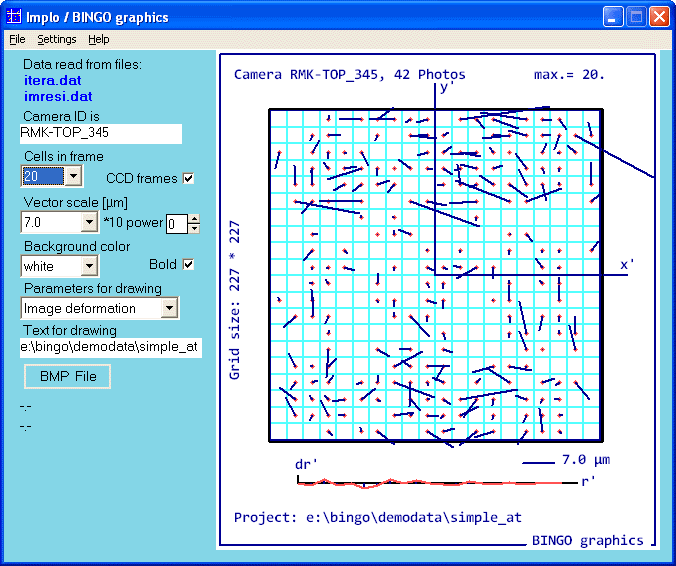
Several enhancements have been made. See as well above.
ADPLO
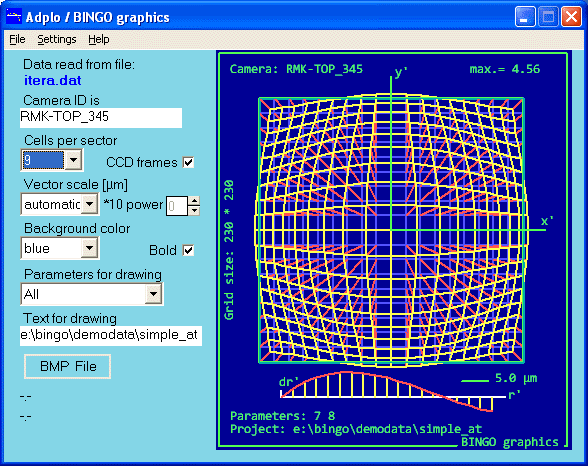
Several enhancements have been made. See as well above.
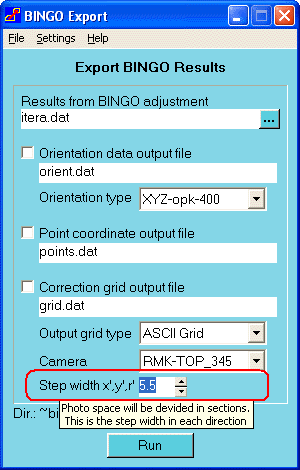
BINGO Export