BINGO 6.9 - November 2016
This page describes BINGO as it existed at the stated release date. For current behavior and requirements, use the current Manual, Reference, and Guides.
BBman
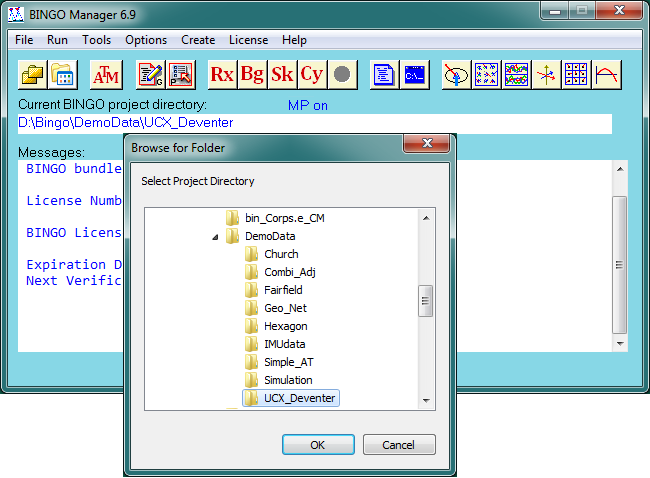
The project directory selection is now starting in the position of the current project directory to make selections easier.
All three options of the Bingo Manager are now collected in the menu Options.
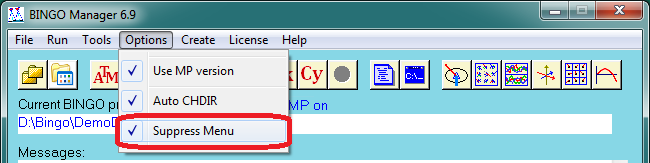
The new option Suppress Menu has been introduced to start graphics programs faster.
Graphics programs
The above shown option Suppress Menu allows – if selected – to start all six graphics programs without opening the file selection menu first.
Conditions:
All (earlier) selected files are available.
All selected files have their default names.
No error occurs during reading the files.
If not all three conditions are fulfilled the programs will start their file selection menus. All graphics programs allow going back from the graphics window to file selection menu using File / File Selection in the menu.
BgoPara and BINGO
New possibilities have been introduced to remove incorrect photo measurements and points with false positons from the adjustment.
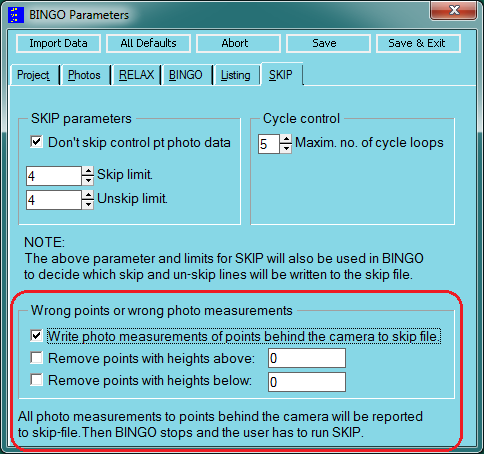
If the first option is set, BINGO scans all photo data and point positions to identify points behind the camera. If those points are found, BINGO creates a skip file to remove the photo measurements.
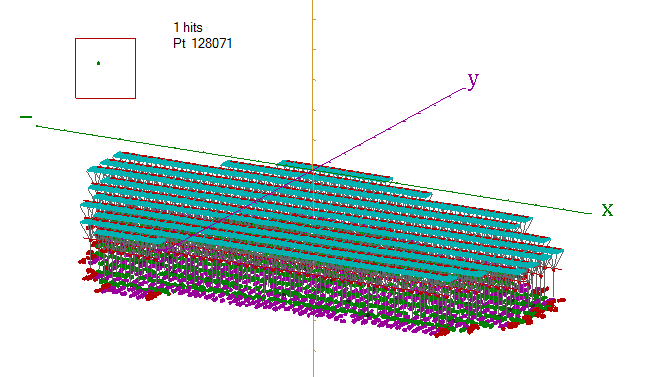
An example can be seen in project UCX_Deventer.
Point 128071 is lying high above in the sky. In the 3D graphics it can be seen easily. If running BINGO with the option to find points behind the camera, the result showing in the Bingo Manager’s window will be:
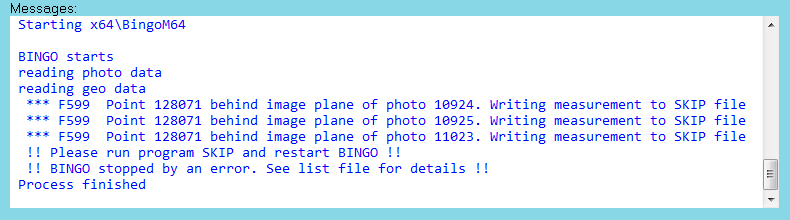
At the time identifying those measurements in BINGO, the program cannot remove single photo measurements anymore without rewriting several internal data files. Thereforee the user has to run program SKIP and restart BINGO.
If the option is not set, the point remains in the wrong position.
The second and third options allow excluding points from the adjustment which are outside the expected Z-range of the project. This is especially useful in flat areas. If setting e.g. the min. and max. heights for project Simple_AT to 2.0 and 40.0 m, the program will exclude 7 points from the adjustment, and give a report in file bingo.lis as follows:
The following points are out of the defined Z-range from 2.00 to 40.00
and excluded from the adjustment
N_1040130 Z= 41.54
N_1040230 Z= 41.90
N_1040330 Z= 40.52
N_1061210 Z= 1.85
N_1061410 Z= 1.53
N_1061420 Z= 1.07
N_3301700 Z= 1.80
No input data files will be changed. By default all three options are off.